How to make a bead pattern from a picture
- Choose a picture. Pixel art, icons and cartoon characters you own work best.
- Set the width in beads. 29 beads fill one large square pegboard; 58 fill two side by side.
- Pick the number of colours to match the bead colours you have.
- Follow the red lines: they show where each pegboard ends, so you can build big designs board by board.
- Download the PDF with the full pattern, enlarged sections and bead counts.
Boards and sizes
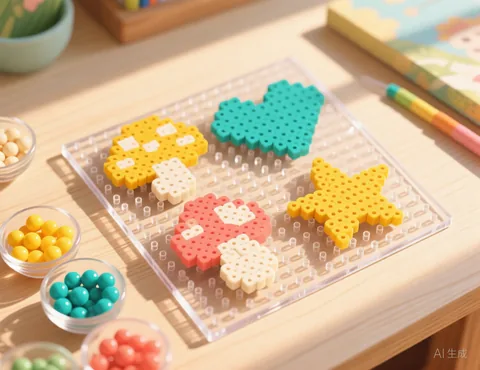
Large square pegboards are usually 29 × 29 pegs, and standard fuse beads such as Perler and Hama midi beads are about 5 mm, so one full board is about 14.5 cm (5.7 in) across. If your boards have a different number of pegs, change the pegboard size and the red board lines move with it.
Frequently asked questions
Is it really free?
Yes. There is no sign up, no watermark and no limit on how many patterns you make.
Do you upload or keep my photo?
No. Your picture is processed by your own browser on your own device. It is never sent to our server, so we never see it.
Which pictures work best?
Simple pictures with clear shapes and strong contrast: a pet against a plain background, a logo you own, a cartoon, pixel art or a bold portrait. Busy scenes with lots of small details tend to turn into noisy charts. Crop the picture closely around the subject before you upload it.
Can I match the colours to my yarn?
Yes. Click any colour swatch under the chart and pick the colour of the yarn you actually have. You can also merge two colours that are too similar to tell apart.
Can I use any picture I find online?
Only use pictures you have the right to use: your own photos, or images whose licence allows it. Characters, logos and artwork usually belong to someone else.
Does it match Perler or Hama colour names?
Not yet. Click any swatch to set it to the colour of the beads you own. Perler and Hama are trademarks of their owners; this site is not affiliated with them.
How do I make a design bigger than one board?
Set the width to a multiple of the board size, such as 58 or 87. The chart and the PDF show each board, and you can link pegboards together while you work.