How it works
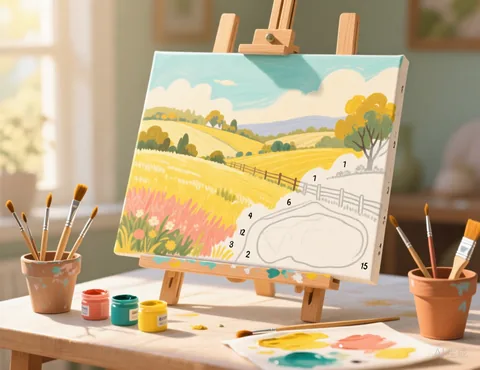
- Choose a photo or try the sample landscape.
- Pick the number of colours. The picture is reduced to that many paint colours.
- Choose the detail and smallest area. Tiny specks are merged into their neighbours, so every area is big enough to paint and to hold its number.
- Switch between the outline and the colour preview to see how the finished painting will look.
- Download the PDF: page one is the numbered outline, page two has the colour key and the preview.
Getting a template that is fun to paint
- For children and beginners, use low detail, a large smallest area and 8 to 12 colours.
- For portraits and pets, use high detail and 20 or more colours so faces keep their shading.
- Pick a photo with good light. Strong light and shadow give clear, satisfying shapes.
- Match the paints. Click a swatch to set it to a paint you own, and mix any colours you do not have before you start.
Where is each number placed?
Each number sits at the point of its area that is farthest from any edge, which keeps numbers inside even long or curved shapes. Very thin slivers that cannot hold a readable number are left unnumbered; paint them with the colour of the area they belong to in the colour preview.
Frequently asked questions
Is it really free?
Yes. There is no sign up, no watermark and no limit on how many patterns you make.
Do you upload or keep my photo?
No. Your picture is processed by your own browser on your own device. It is never sent to our server, so we never see it.
Which pictures work best?
Simple pictures with clear shapes and strong contrast: a pet against a plain background, a logo you own, a cartoon, pixel art or a bold portrait. Busy scenes with lots of small details tend to turn into noisy charts. Crop the picture closely around the subject before you upload it.
Can I print it on canvas?
Yes. Print the PDF on thick paper, or ask a print shop to print the outline page on canvas. Thin lines and light grey numbers are easy to cover with paint.
Which paint should I use?
Acrylic paint is the usual choice because it covers well, dries fast and cleans up with water.